
Composition Metrics Auto-Estimator
The Composition Metrics Auto-Estimator is a helper system that applies eligible body-composition estimates automatically when a measurement is saved.
Its purpose is to reduce friction, avoid missed calculations, and improve completeness and consistency, without changing how you measure.
What the Auto-Estimator Does
When a measurement is saved, Formetrix:
-
Evaluates which composition metrics can be calculated
-
Checks each method’s requirements
-
Applies estimates only when all inputs are valid
-
Respects your configured estimation order
Nothing is guessed.
Nothing is forced.
If a requirement is missing, the estimator skips that metric.
Why This Exists
As explained in What Formetrix Does Differently Trends and Insights are at the core of Formetrix.
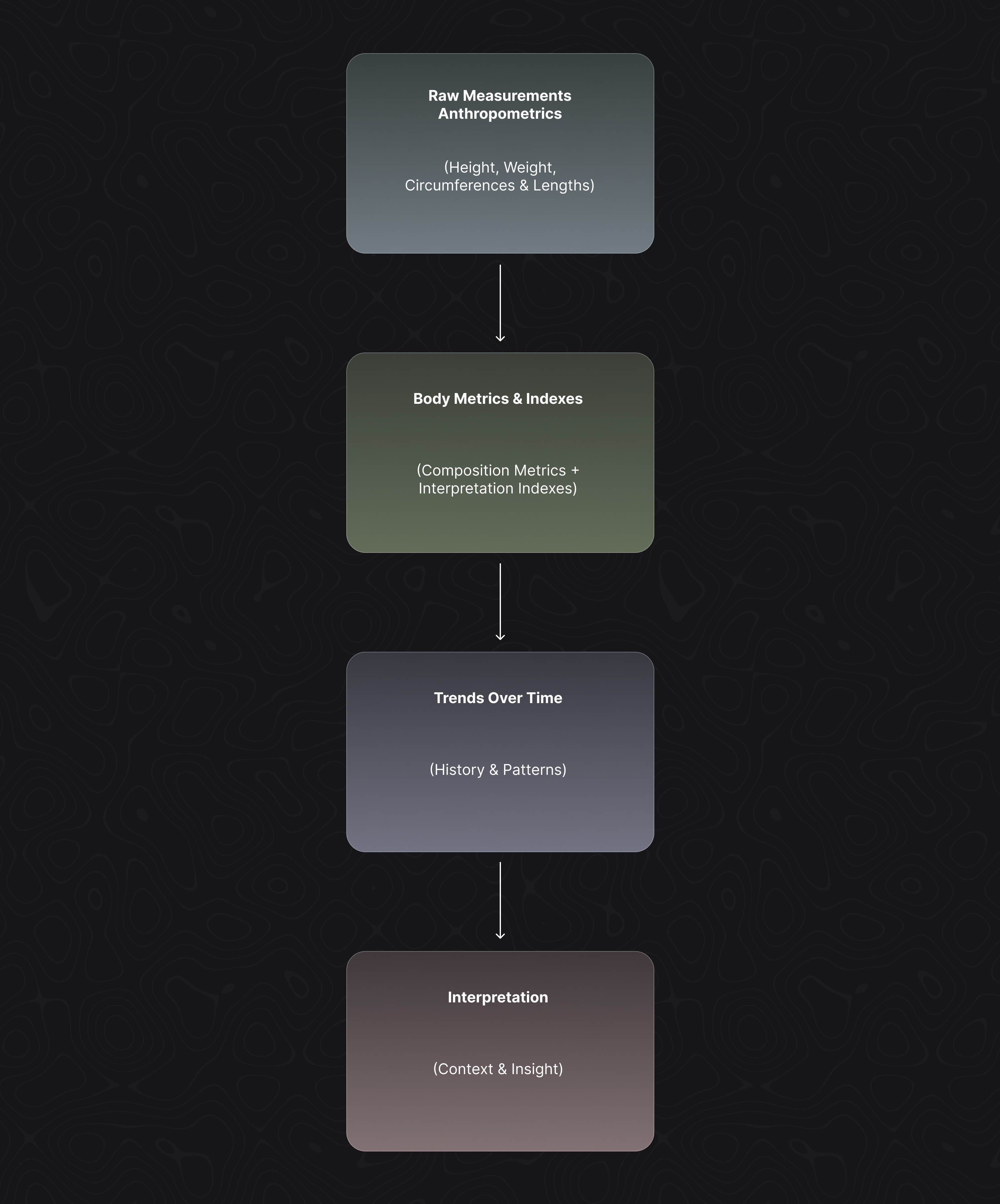
However without automation, users often:
-
Enter all required inputs
-
Forget to apply an available estimate
-
Save an incomplete measurement unintentionally
The auto-estimator prevents this by acting as a last-pass completeness layer.
It improves consistency without changing how you measure.
Estimation Order & Priority
Some composition metrics (such as Body Fat %) can be estimated using multiple methods. Formetrix uses a priority order to decide which method to apply when more than one is possible.
This order is:
-
Fully Configurable
-
Profile-Specific
-
Overridable At Any Time
You can review and change this order in Settings → Measurements → Composition Estimation Order.
Changing the order affects future measurements only.
Some metrics depend on others
Certain composition metrics form dependency chains.
Example:
Body Fat % → Lean Body Mass → Fat Mass → Muscle MassWhen a metric depends on other composition metrics, Formetrix automatically resolves the dependency chain and calculates each metric only after its required base values are available.
This process is handled automatically by Formetrix — no manual action is required.
Why Order Matters
Different estimation methods vary in:
-
anatomical grounding
-
sensitivity to technique
-
expected accuracy
By controlling the order, you decide:
-
which methods take precedence
-
when simpler estimates are acceptable
-
when more detailed inputs should override them
This keeps results predictable and aligned with your tracking style.
User Control & Transparency
Before saving, Formetrix may inform you when:
-
estimates are available
-
some values could be calculated but were not applied
You always choose whether to:
-
apply available estimates
-
continue without them
Automation assists — it does not decide for you.